BoroJeet app download — Android APK, iOS, and the errors that stop it
The app is an Android APK installed outside the Play Store, because Google restricts real-money gambling apps in most markets. That is normal for this category — but it means you take on the job the Play Store usually does: making sure the file is genuine.
Affiliate link. We do not host, mirror or distribute any APK file — download only from the operator's own domain.
Get the APK from the operator's own website and nowhere else. APK mirror sites, Telegram channels and "modded" versions are the main vector for credential-stealing malware in this niche. A repackaged gambling APK that looks identical can log every keystroke you make, including your bKash PIN.
Should you install the app at all?
Honest answer: for many people, no. The mobile site does almost everything the app does. The app is worth it if you play often, want push notifications for live events, or are on a connection where reloading a full web page is painful. Here is the actual comparison.
| Parameter | Android app (APK) | Mobile browser |
|---|---|---|
| Installation | Manual APK, requires enabling a permission | None — open and go |
| Storage used | Typically tens of MB plus cached data that grows | Effectively nothing beyond normal browser cache |
| Session persistence | Stays logged in between sessions | Lost whenever you clear browsing data |
| Push notifications | Yes — live scores, promotions, payout status | Limited or unavailable |
| Updates | Manual: you reinstall a new APK when prompted | Automatic — always the current version |
| Performance on weak 3G | Better; the interface is already on the device | Reloads assets more often |
| Permissions requested | Storage, notifications, sometimes more — review each one | Only what the browser already has |
| Risk profile | Higher if you ever download from the wrong source | Lower — nothing is installed |
Our recommendation: start in the browser. Install the app only once you have decided you are staying, and only from the official domain.
Installing the APK on Android — five steps
Open the official site in Chrome
Navigate directly, do not follow a link from a group chat. Find the Android download button, usually in the header or a dedicated app section.
Accept the browser download warning
Chrome warns about any APK. That warning is generic — it appears for every file of this type — but only proceed if the address bar shows the operator's own domain.
Allow installs from Chrome, once
Android will say installation is blocked. Tap Settings and enable "Allow from this source" for Chrome specifically. Do not enable it globally.
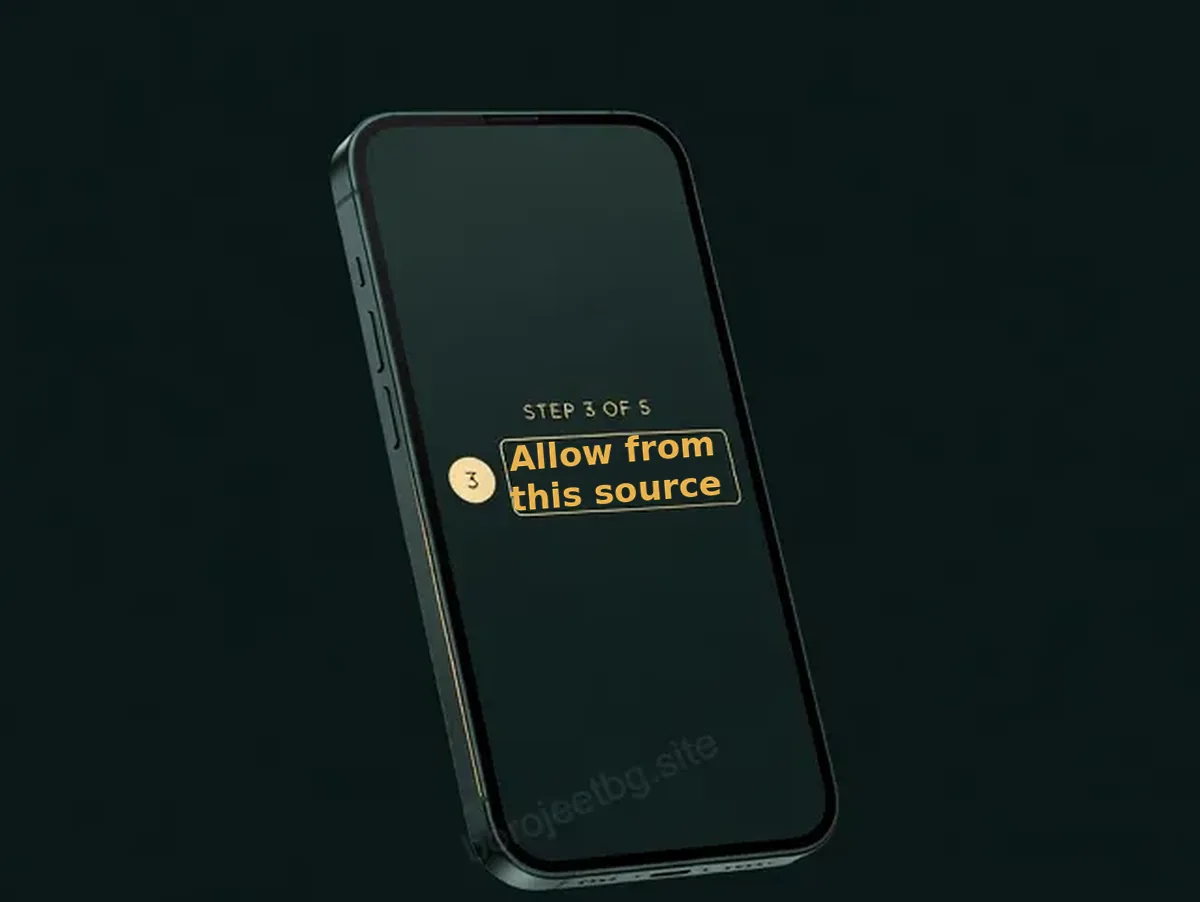
Grant the permission to the browser, not system-wide — and revoke it in step 5. Install and open
Tap Install, wait for it to finish, then open the app and log in with your existing credentials. There is no separate app account.
Revoke the permission
Go back into Android settings and turn "Allow from this source" back off for Chrome. This takes ten seconds and closes the door behind you. You only need to re-enable it when you next update the app.
Ready to grab the current build? The download link lives on the operator's own site.
Open BoroJeet →iPhone and iPad
Real-money gambling apps for Bangladesh are generally not distributed through the App Store, so the practical route on iOS is a home-screen web app. It looks and launches like an app, because it is one — just a web-based one.
Open the site in Safari
It has to be Safari. Chrome on iOS cannot add a proper home-screen web app.
Tap Share, then "Add to Home Screen"
Name it something you will recognise and confirm.
Launch from the icon
It opens full-screen without browser chrome. You keep your session, and you keep automatic updates.
What you lose on iOS: push notifications are more limited, and clearing Safari data will log you out. What you gain: nothing is installed, so the malware risk of a bad APK does not exist.
Four install errors and what actually causes them
| Error | Real cause | Fix |
|---|---|---|
| "App not installed" | An older build of the same app is still present with a different signature, or the download was truncated | Uninstall the existing app completely, then re-download the APK in full and retry. Do not install over the top. |
| Download stalls at 0% | Network-level filtering, or Chrome blocking the file silently | Switch between Wi-Fi and mobile data. Check Chrome's Downloads screen for a blocked-file notice and allow it there. |
| White screen after opening | A partially corrupted install, or a build older than the current server version | Clear the app's cache, force-stop, reopen. If it recurs, uninstall and install the latest APK. |
| Login works on web but not in the app | Stale session token cached by the old build | Clear cache (not data), force-stop, log in again. Reinstall if it persists. |
Permissions: what to allow and what to refuse
Read each permission prompt rather than tapping through. A betting app has a legitimate need for notifications and, sometimes, storage for downloads. It has no legitimate need for your contacts, your SMS messages or your call log. If any of those are requested, decline — and treat the request itself as a reason to reconsider the source you downloaded from.
Keep the wallet you use for gambling separate from your main bKash account, and never enter a wallet PIN inside a gambling app — payments should always hand off to the wallet's own confirmation flow.
Keeping the app updated
Because it sits outside the Play Store, nothing updates it for you. When the app prompts for a new version, or when features start behaving oddly, download the current APK from the official site again and install over it. Note that the update itself will require re-enabling the install permission — and, as before, turn it off afterwards.
BoroJeet app FAQ
Is the BoroJeet app on Google Play?
Real-money gambling apps are restricted on Google Play in most markets, so the Android version is distributed as an APK from the operator's own website. That is standard for this category and not in itself a warning sign — but it does mean you must verify the source yourself.
Is downloading an APK safe?
From the operator's own domain, with the install permission granted to your browser only and revoked afterwards, the risk is low. From a mirror site, a Telegram channel or a "mod" version, it is high — repackaged gambling APKs are a common malware carrier.
Why does it say "app not installed"?
Usually because an older copy of the app is still on the device with a different signing key, or because the APK download was cut short. Uninstall the old app fully, re-download completely, then install.
Is there an iOS app for BoroJeet?
The practical route on iPhone is adding the site to your home screen from Safari, which behaves like an app. It keeps your session and updates automatically, but with more limited notifications.
Does the app use less data than the website?
Generally yes, because the interface is stored on the device rather than downloaded each visit. On a metered 3G connection that difference is noticeable over a month.
Do I need a separate account for the app?
No. It is the same account and the same balance as the website. If your balance looks wrong in the app, you are probably signed in with a different phone number.
How do I update the BoroJeet app?
Download the current APK from the official site and install it over the existing app. You will need to re-enable the "install from this source" permission for your browser, and you should switch it off again afterwards.
Get the current build from the source
The official site is the only place we would recommend downloading from.
Affiliate link · 18+ · Play responsibly